Lab 1
HTML Examples
H1
H2
H3
H4
H5
H6
Zhenming Gao
Hi, my name is Zhenming Gao. I'm currently a MSCS student at Northeastern. For something easier to pronounce, you can call me Evan.Lab notes
Lorem ipsum dolor sit amet, consectetur adipisicing elit. Labore illo accusamus tempore nobis dignissimos veritatis ut incidunt corporis voluptatum consequatur! Rem sunt voluptatum iure aspernatur saepe corrupti necessitatibus, accusamus amet!What I built
Lorem ipsum dolor sit amet, consectetur adipisicing elit. Labore illo accusamus tempore nobis dignissimos veritatis ut incidunt corporis voluptatum consequatur! Rem sunt voluptatum iure aspernatur saepe corrupti necessitatibus, accusamus amet!Next step
Lorem ipsum dolor sit amet, consectetur adipisicing elit. Labore illo accusamus tempore nobis dignissimos veritatis ut incidunt corporis voluptatum consequatur! Rem sunt voluptatum iure aspernatur saepe corrupti necessitatibus, accusamus amet!Paragraph Tag
This is a paragraph. We often separate a long set of sentences with vertical spaces to make the text easier to read. Browsers ignore vertical white spaces and render all the text as one single set of sentences. To force the browser to add vertical spacing, wrap the paragraphs you want to separate with the paragraph tag
This is the first paragraph. The paragraph tag is used to format vertical gaps between long pieces of text like this one.
This is the second paragraph. Even though there is a deliberate white gap between the paragraph above and this paragraph, by default browsers render them as one contiguous piece of text as shown here on the right.
This is the third paragraph. Wrap each paragraph with the paragraph tag to tell browsers to render the gaps.
Hi, my name is Zhenming Gao. I'm currently a MSCS student at Northeastern.
For something easier to pronounce, you can call me Evan.
Browsers collapse runs of whitespace and newlines in the source into a single space, so blank lines in the HTML do nothing on their own. The paragraph tag creates a block-level box that starts on its own line, and the browser's default stylesheet gives it a top and bottom margin of 1em. That margin, not the whitespace in the source, is what produces the vertical gap between paragraphs.
List Tags
Ordered List Tag
How to make pancakes:- Mix dry ingredients.
- Add wet ingredients.
- Stir to combine.
- Heat a skillet or griddle.
- Pour batter onto the skillet.
- Cook until bubbly on top.
- Flip and cook the other side.
- Serve and enjoy!
Unordered List Tag
My favorite books (in no particular order)- Dune
- Lord of the Rings
- Ender's Game
- Red Mars
- The Forever War
My actual favorite recipe
How to make scrambled eggs- Gather all ingredients.
- Whisk eggs in a small bowl until smooth. Mix in ham, Cheddar cheese, and heavy cream.
- Melt butter in a skillet over medium heat. Pour in egg mixture; cook and stir until set but still moist, 3 to 5 minutes.
My actual favorite books
- Walden
- A Tale of Two Cities
- Les Misérables
- The Three-Body Problem (Series)
Five common HTML tags
Table Tag
| Quiz | Topic | Date | Grade |
|---|---|---|---|
| Q1 | HTML | 2/3/21 | 85 |
| Q2 | CSS | 2/10/21 | 90 |
| Q3 | JavaScript | 2/17/21 | 95 |
| Q4 | HTML | 2/3/21 | 85 |
| Q5 | CSS | 2/10/21 | 90 |
| Q6 | JavaScript | 2/13/21 | 93 |
| Q7 | JavaScript | 2/14/21 | 85 |
| Q8 | JavaScript | 2/15/21 | 75 |
| Q9 | JavaScript | 2/16/21 | 65 |
| Q10 | JavaScript | 2/18/21 | 99 |
| Average | 86.2 | ||
My course schedule
| Time | Mon | Tue | Wed | Thu | Fri |
|---|---|---|---|---|---|
| Morning | Free | CS5010 Richards-458 | Free | CS5010 Richards-458 | |
| Afternoon | CS5011 Hastings-211 | Free | |||
| Night | CS5610 Shillman-105 | Free | |||
Image tag
Loading an image from the internet: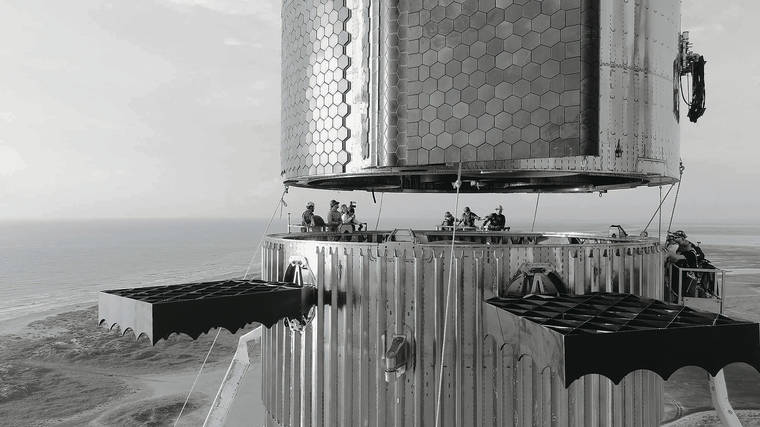
Loading a local image:
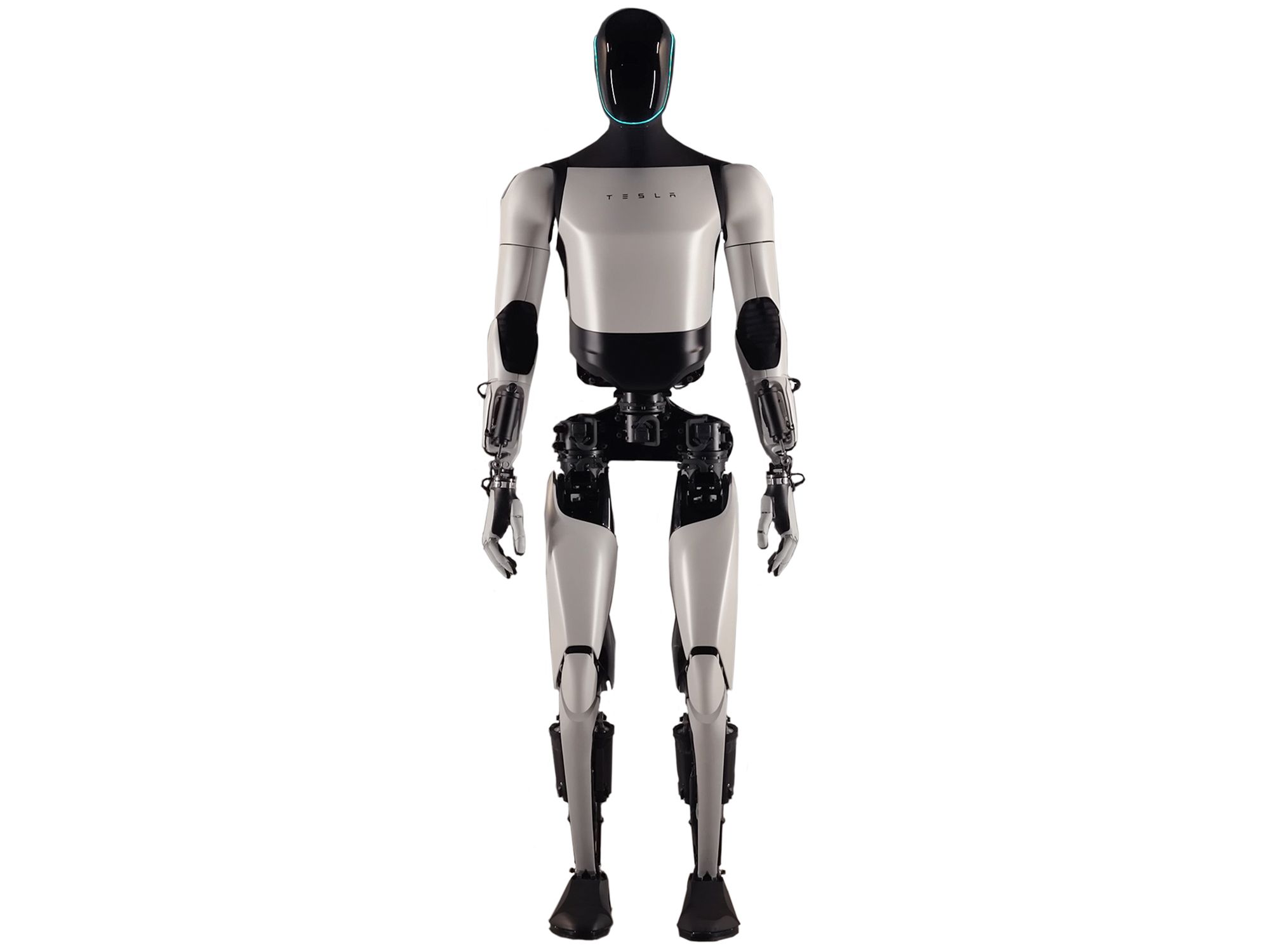
Glenda from Plan 9:
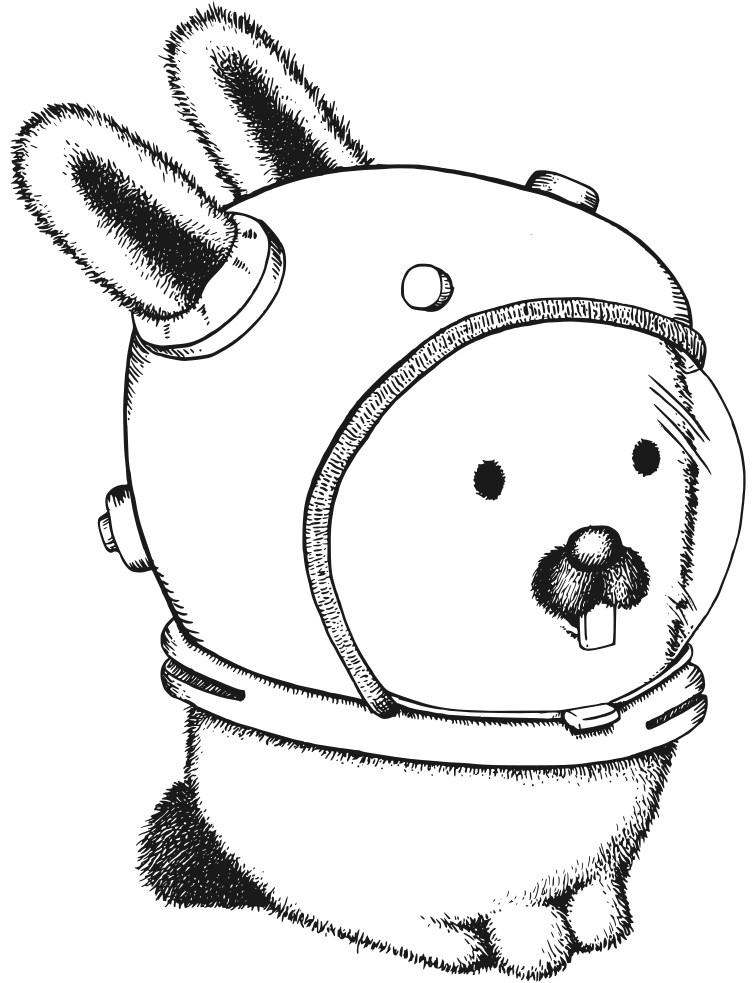
Breaking Bad:

Form Elements
Student Profile
Highlighted Paragraph
Default highlight: light yellow background, orange border.
Custom props: light blue background, navy border, thicker width, more rounding.
Another variation: misty rose background, crimson border, square corners.
Hi my name is Zhenming Gao. I like playing table tennis in my free time.
Highlighted Box
Callout
This box wraps any children — headings, paragraphs, lists, and more.
- backgroundColor
- borderColor
- borderWidth
- borderRadius
A second box with different style props wrapping different content.
Zhenming Gao: Goals of WebDev Course
- Learn TypeScript
- Learn React
- Getting to know professional web developement
Sample nested content
This is a nested paragraph
| Quiz | Topic | Date | Grade |
|---|---|---|---|
| Q1 | HTML | 2/3/21 | 85 |
Anchor tag
Please click here to get dummy textGitHublipsum.com
Back to Labs
Jump to bottom
GitHub (new tab)
My Blog (Also in Next.js + React)
My GitHub
MDN: table element